02SaaS Product
PROMOVO
Every screen and every QR code a venue owns, run from one place.
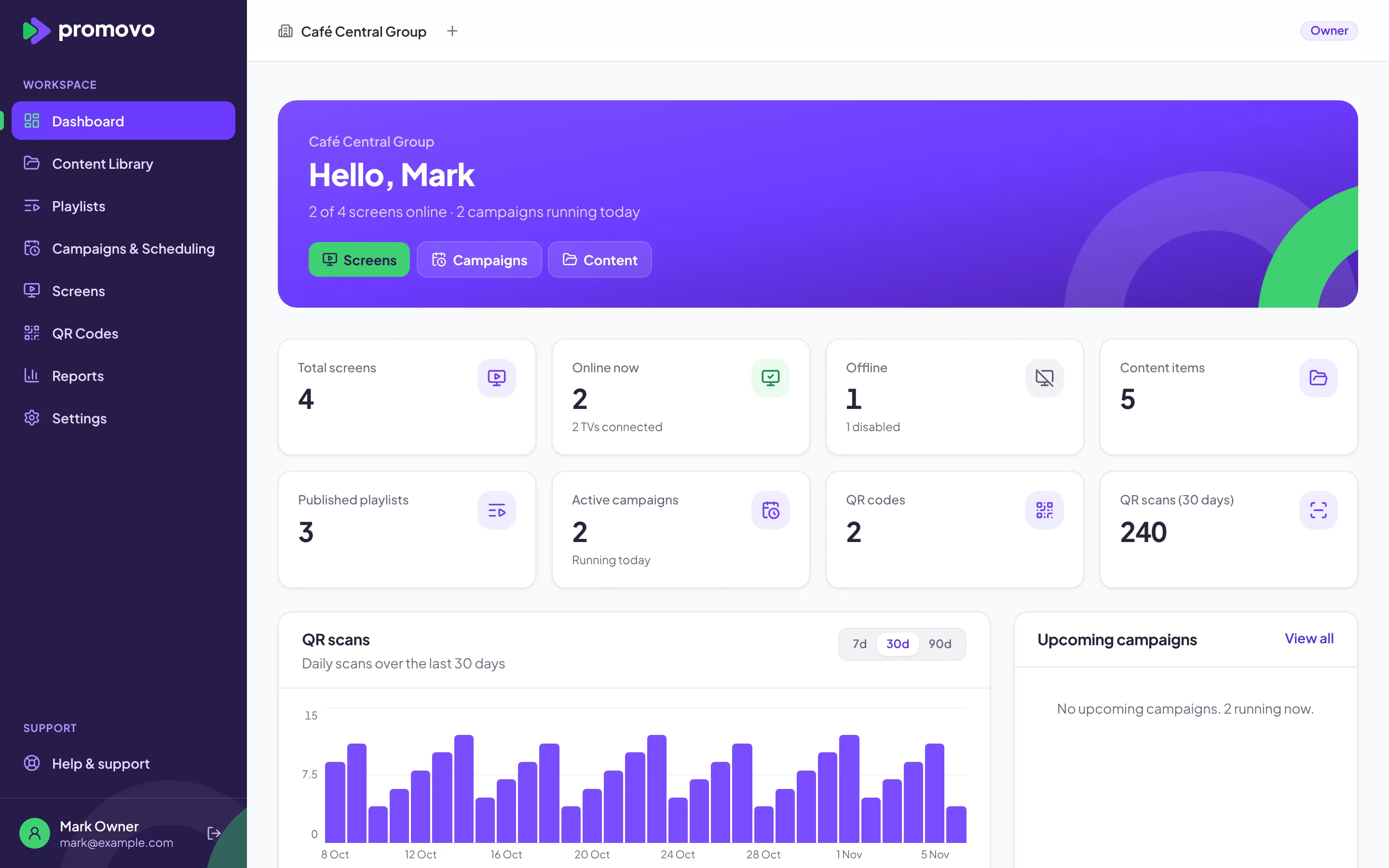
Our own platform for digital signage and dynamic QR codes. Any TV with a browser becomes a screen, campaigns schedule themselves across every location, and a printed QR code can change where it points.
- Capabilities
- SaaS product
- Multi-tenant
- Realtime
- Scheduling engine
- Dynamic QR
- Role-based access
- Subscriptions
- Technology
- Next.js
- TypeScript
- Tailwind CSS
- Supabase
- PostgreSQL
- Row Level Security
- Realtime
- Stripe
- Vercel
Signage software that needs nothing installed on the screen.
The problem
A pub, a café group or a hotel has a TV on the wall and a QR code on every table, and both are usually stuck. The screen shows whatever was on the USB stick, or nothing, and changing it means somebody standing on a chair. The QR code was printed pointing at last season’s menu. Signage software exists, but most of it starts with a hardware box per screen and an IT project to match.
The idea
Put the whole thing in the browser. Every TV sold in the last decade can open a web page, so a screen should only need an address. Then treat screens and QR codes as one marketing job — what we are promoting, where, and when — rather than two systems run by two different people.
What we built
Our own SaaS product, designed, built and operated by Kudu Digital: a content library with a slide editor, versioned playlists, a scheduling engine with a calendar and conflict explanations, locations and screen groups, a public TV player, dynamic QR codes with privacy-friendly analytics, reports, teams with four roles and location-level access, an audit log, and subscription billing.
How it works
A marketing editor uploads content and builds a playlist. A campaign says which playlist plays where and when, and the server works out what every screen should be showing right now, in that location’s own timezone, through to the clocks changing. Each TV opens its private display address and picks up a change within moments over a realtime connection, falling back to polling, and keeps playing its last good schedule if the network drops. Every QR code is a short link the venue owns, so its destination can move long after the print run.
Key functionality
01
Any TV becomes a screen
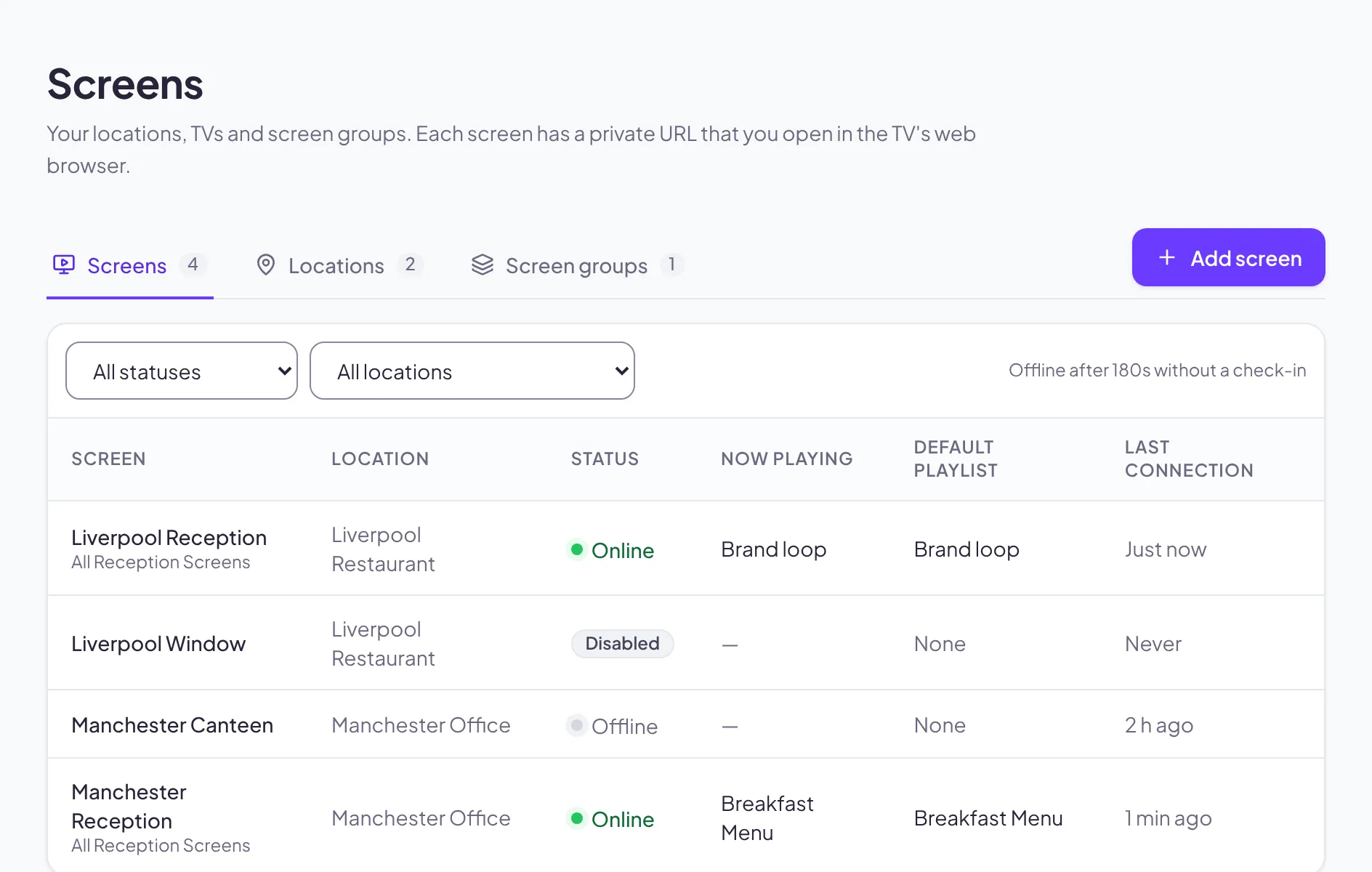
Open a private, typeable address in the TV’s own browser and it plays. No box, no app, no installer. It loops for as long as it is switched on and carries on through a dropped connection.
02
Content library
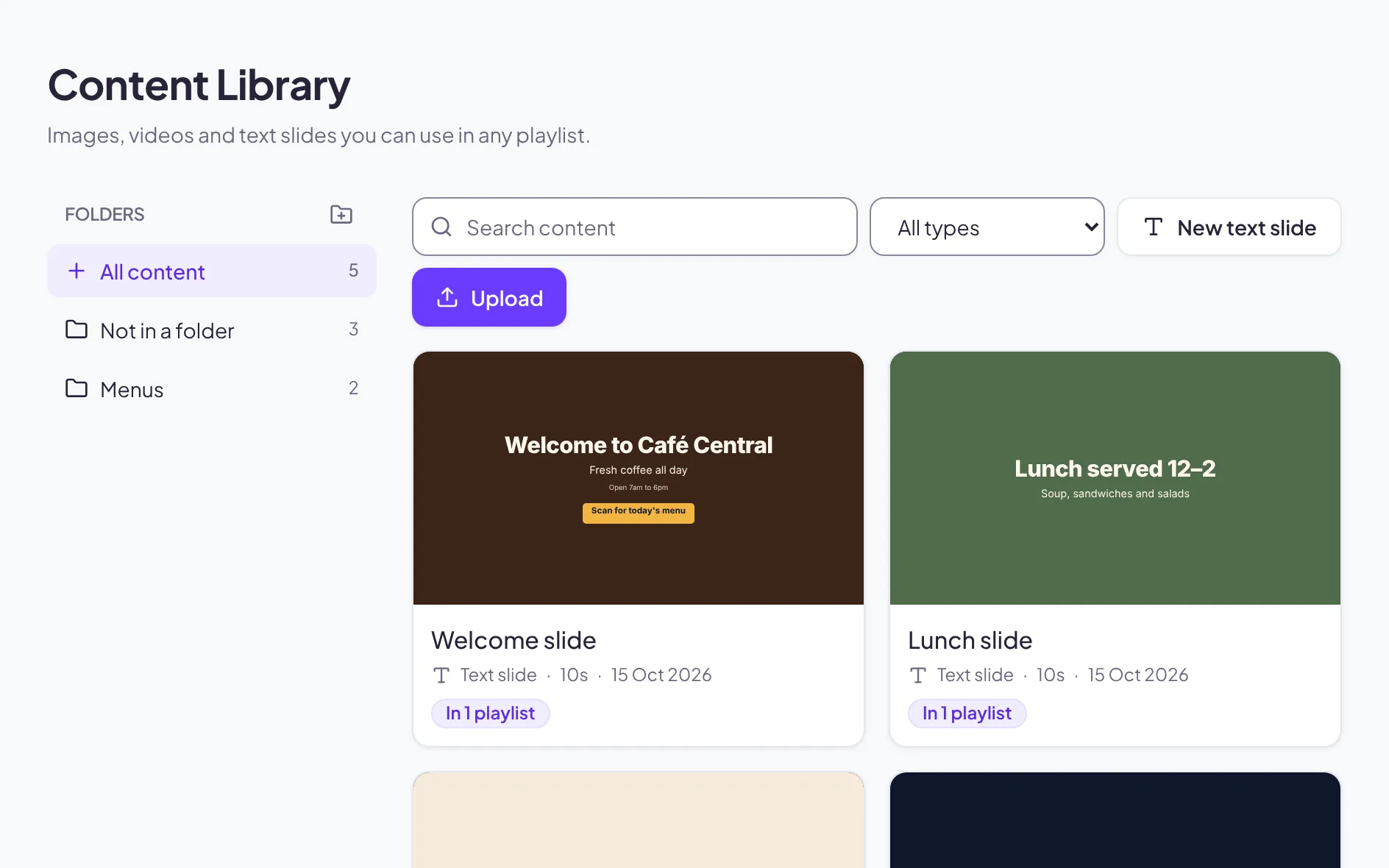
Images, MP4 video and text slides built from templates, with folders, search and a preview drawn by the same renderer the TV uses — so what you see is what the screen shows.
03
Playlists with drafts
Drag to reorder, set how long each item stays up, and publish when it is ready. Screens play the published version, so an edit in progress never ends up on the wall.
04
Campaigns that schedule themselves
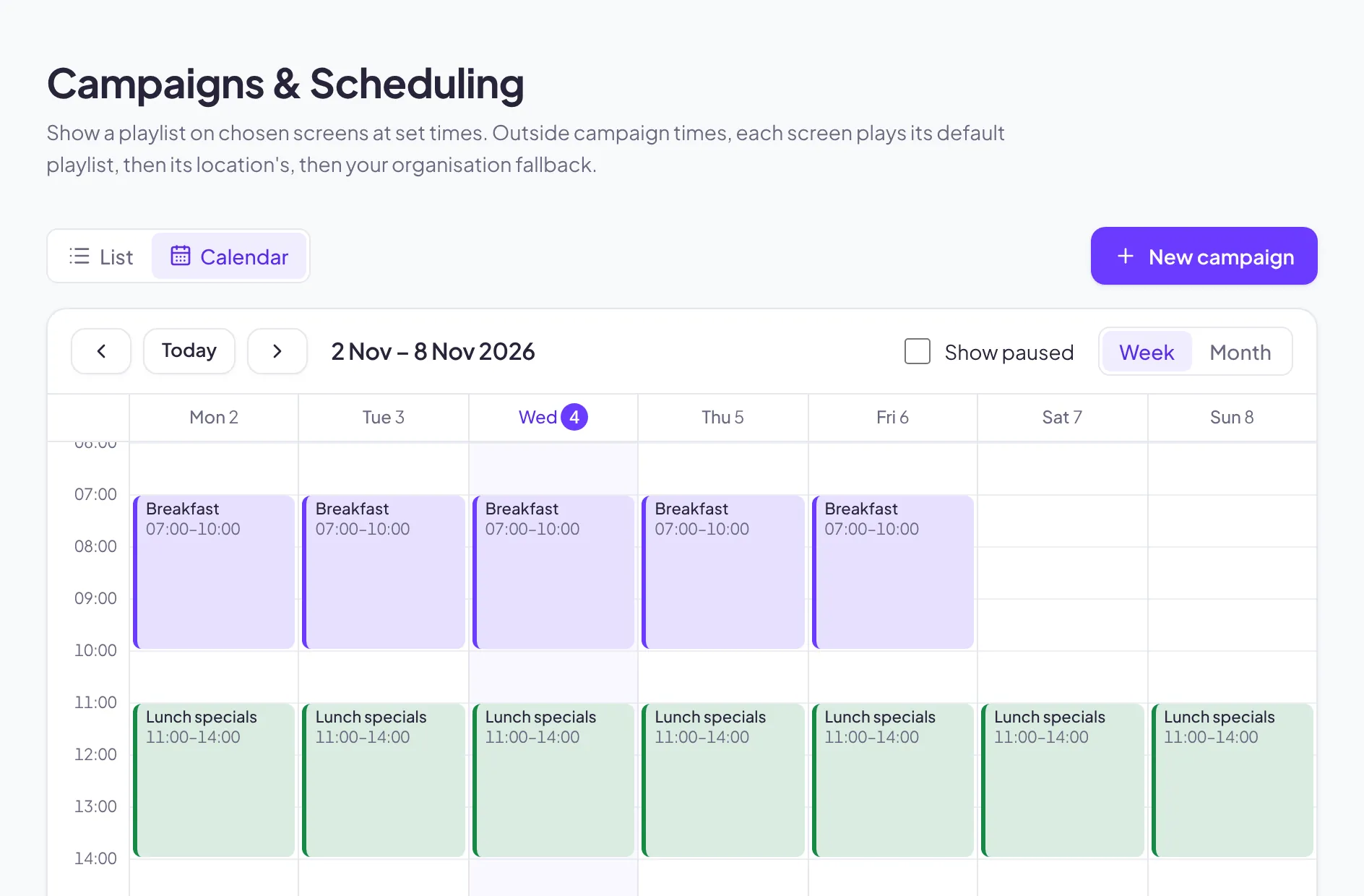
Date ranges, weekdays and time windows — overnight ones included — aimed at a screen, a group or a whole location, with a week and month calendar that explains every clash before it happens.
05
QR codes you can change after printing
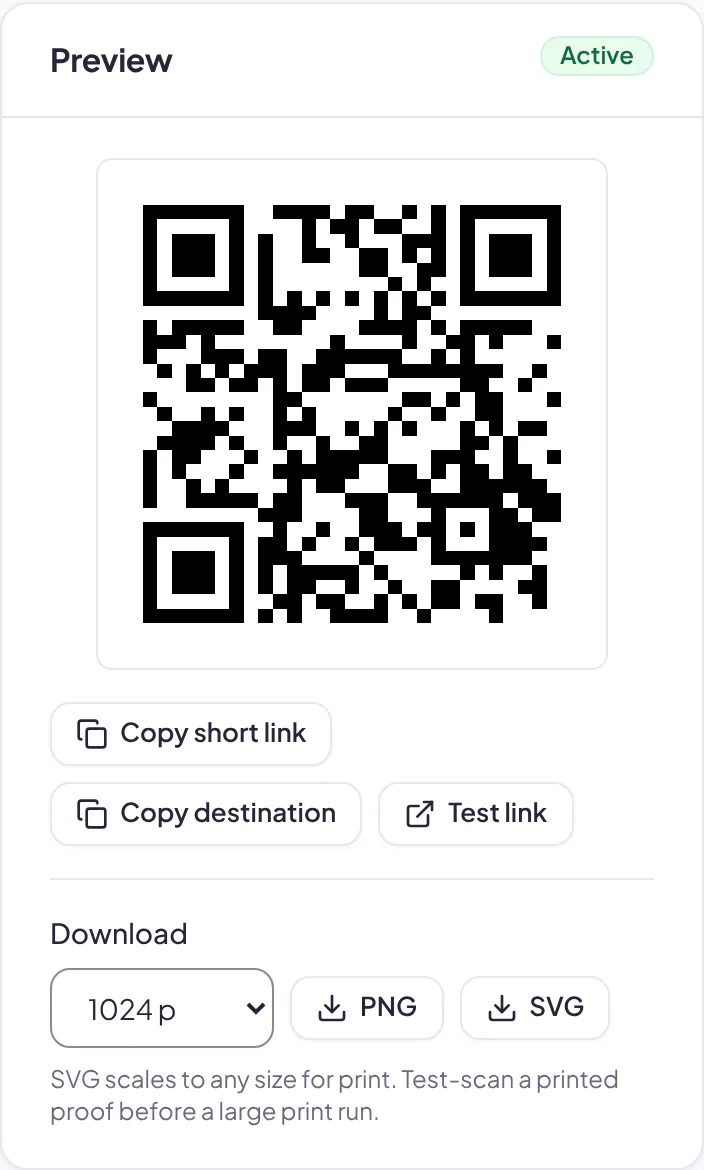
Short links with your colours and logo, downloadable as PNG or SVG. Move the destination whenever you like and the code on the table menu keeps working. Scans are counted without storing anyone’s IP address.
06
Teams, roles & reports
Owner, admin, marketing editor and read-only, optionally limited to particular locations. Screen uptime and QR scans for any date range, exported to CSV.
Why it matters
It shows Kudu building and running a product of its own, end to end: a multi-tenant platform where the hard parts — scheduling across timezones, screens that keep going offline, codes that must never break once printed — are solved in the engine rather than left to the customer. Anybody can try it.
Show. Engage. Grow. One platform, every screen.
A scheduler that explains itself
Campaigns overlap, and a screen can only show one thing. PROMOVO settles it deterministically — priority first, then the more specific target, then the later start — and the calendar says which campaign wins and why while you are still setting it up, rather than leaving someone to find out from the wall. When nothing is scheduled the screen falls back to its own default, then its location’s, then the organisation’s, and finally a branded holding screen. It never goes black.
Codes that cannot be hijacked
A printed QR code outlives any campaign, so its address is locked once created and retired permanently when deleted — no other organisation can ever claim it and inherit scans from codes still on the tables. Destinations are validated and checked against known phishing and malware lists, and link previews and bots are redirected without being counted, so the numbers mean people.
Next project
KEEP